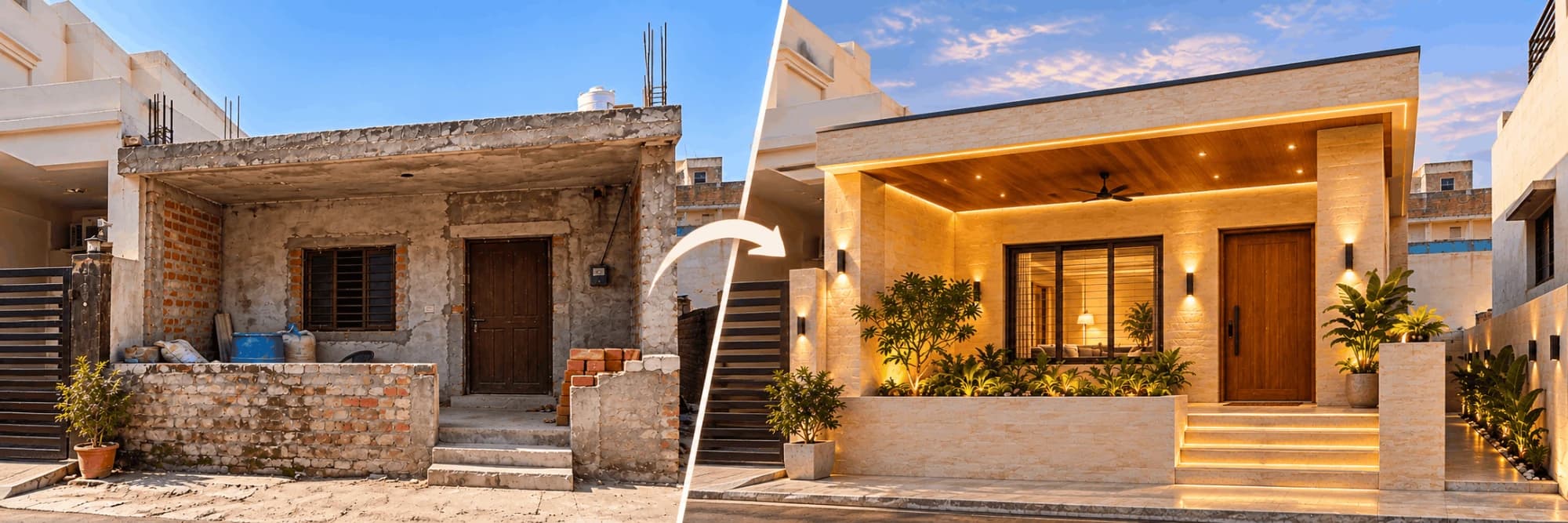
Your Dream Home Starts With a Photo.
Click a photo of your house, even if the construction is half done. DreamHome shows how it can look when it is complete. Show it to your family, architect or contractor. It is free.
Upload your house photo.
Take the photo from the front, in daylight. Keep the whole house in the photo, with a little road or ground also.
One house, five different looks.
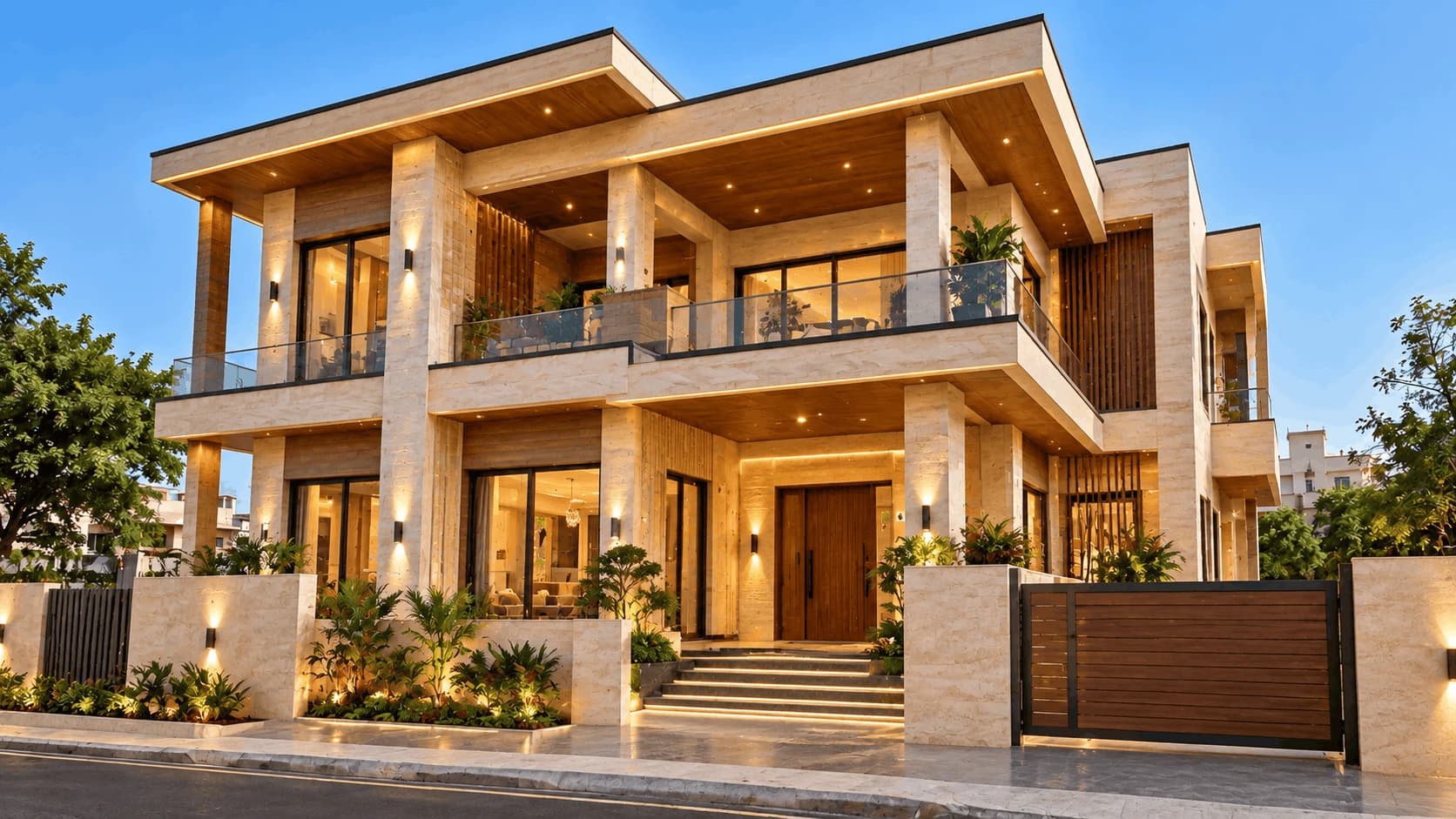
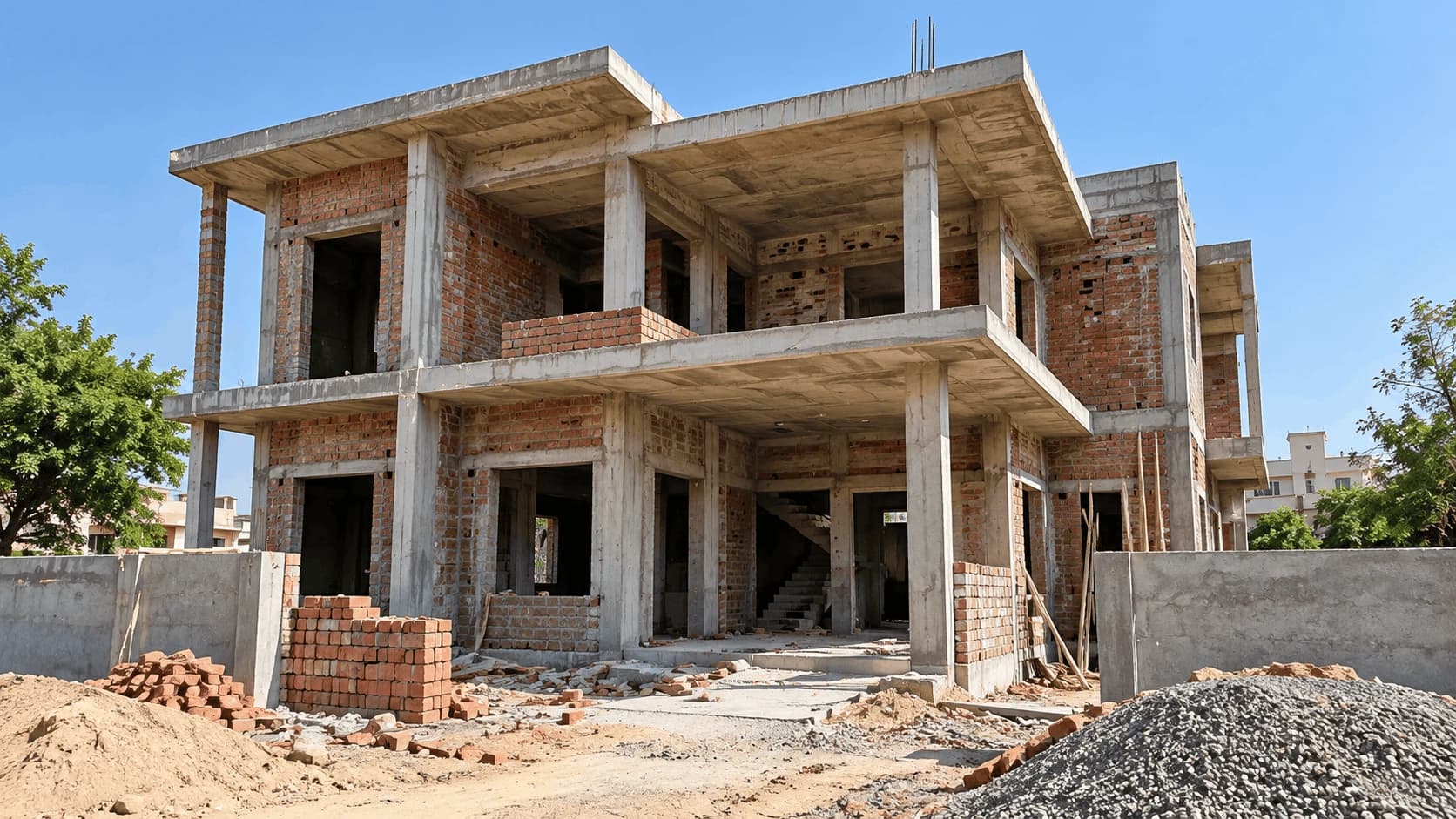
Choose a style and drag the line to see the same half-built house before and after. These are sample designs. Your own design will be made from your photo.
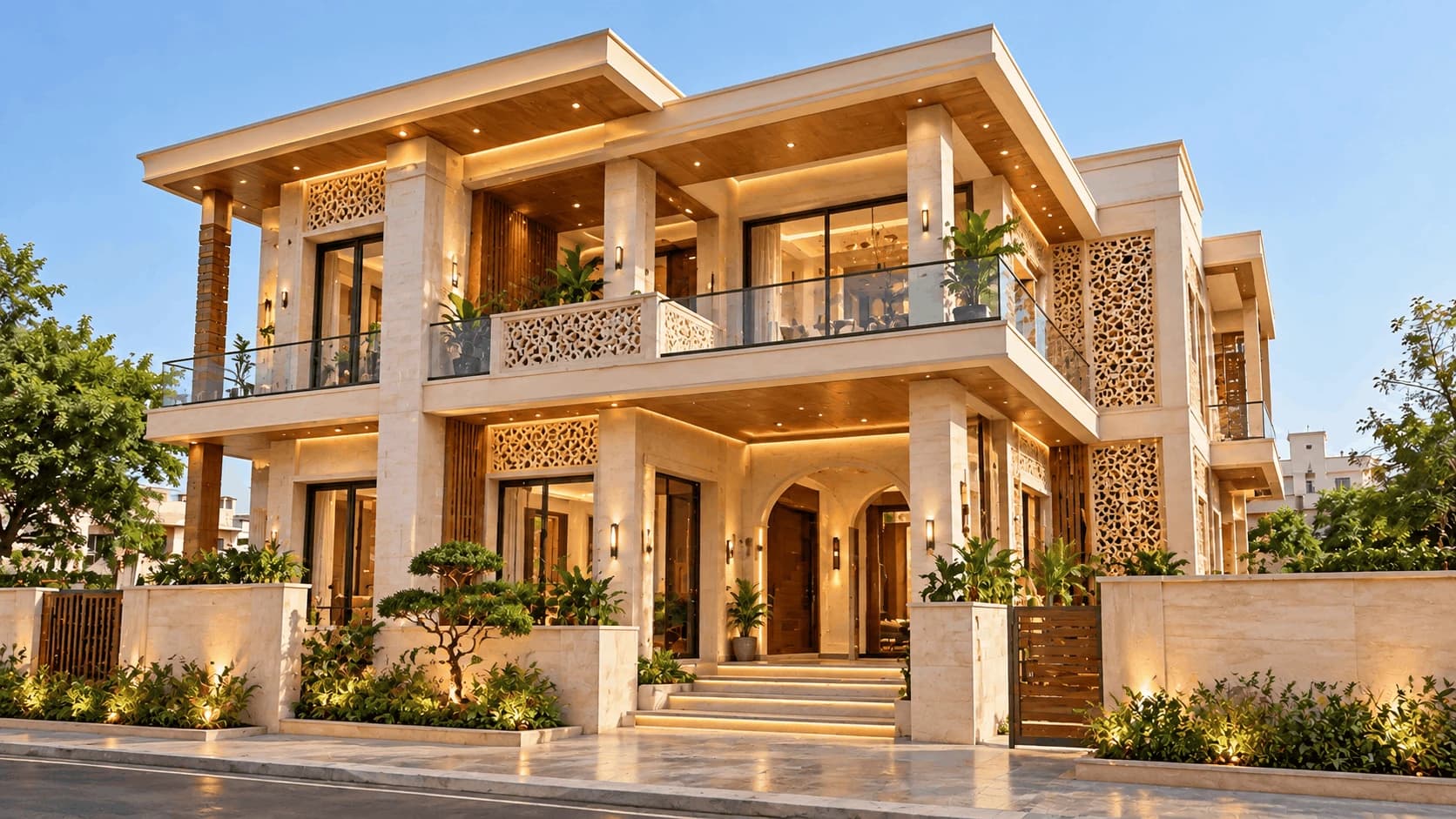
Contemporary Indian
Starting point: two-storey house with brick walls, not plastered.
- Jaali screen that lets in light and air
- Chhajja over windows to keep rain and sun out
- Arched openings and a nice wooden door
Three easy steps.
Upload your photoUpload
Photo addedAdd one photo of your house, taken from the front. A mobile photo in daylight is fine.
Choose your style
Modern LuxuryContemporary IndianMinimalistTraditionalPremium VillaSelect one style: Modern Luxury, Contemporary Indian, Minimalist, Traditional or Premium Villa.
Reveal your dream home
Drag the line to compare your photo with the new design. Then share it with your family or architect.
Tips for a good photo
- Stand straight in front of the house, so the walls look straight.
- Take the photo in daylight. Do not face the sun.
- Keep the full house in the photo, with a little ground.
- If possible, move cars, bikes and bamboo scaffolding away.
Build it once. See it first.